
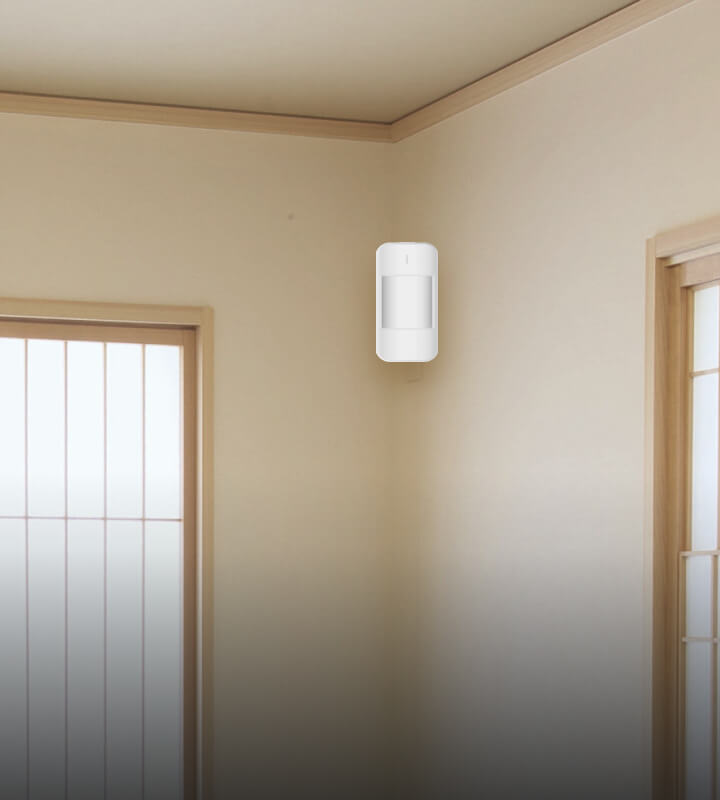
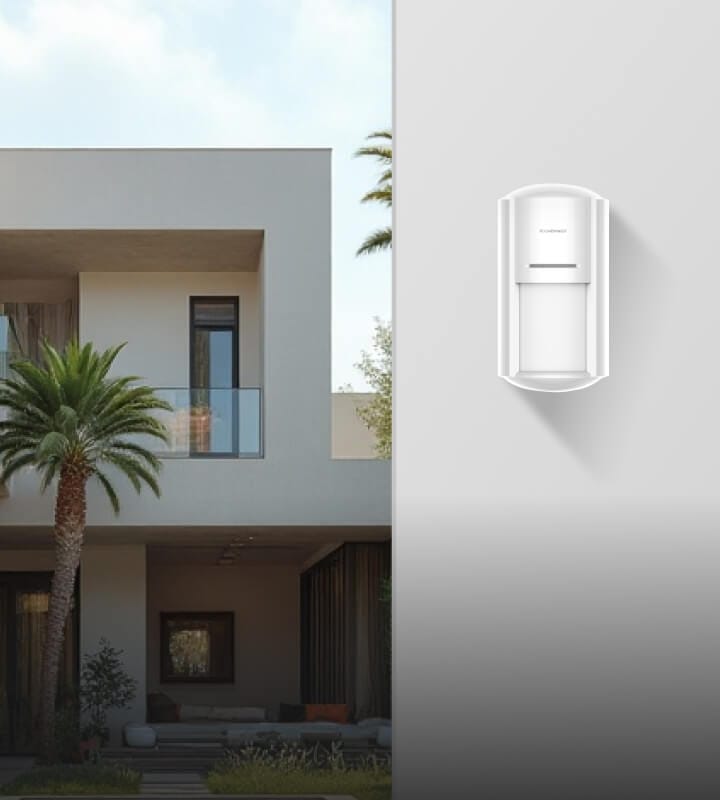
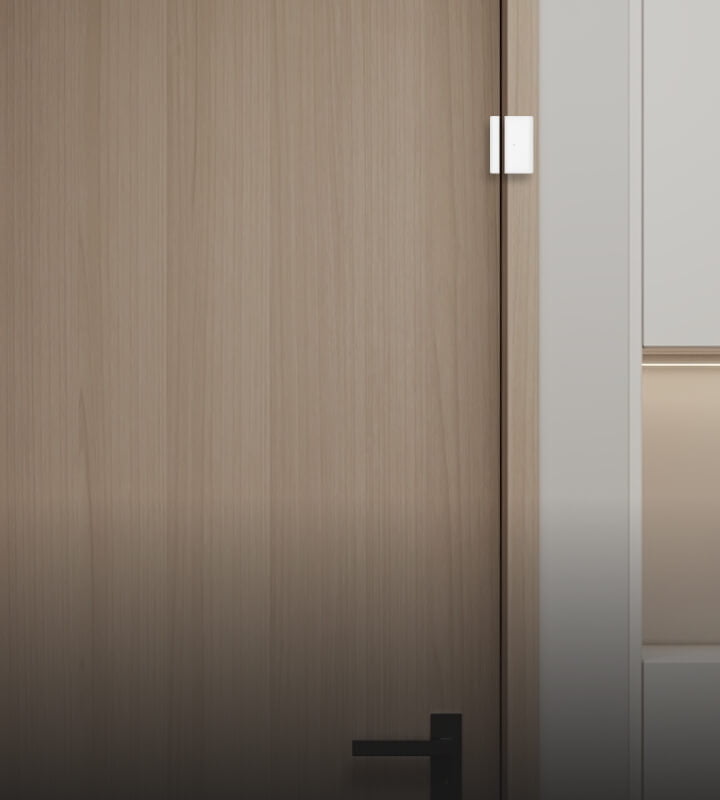
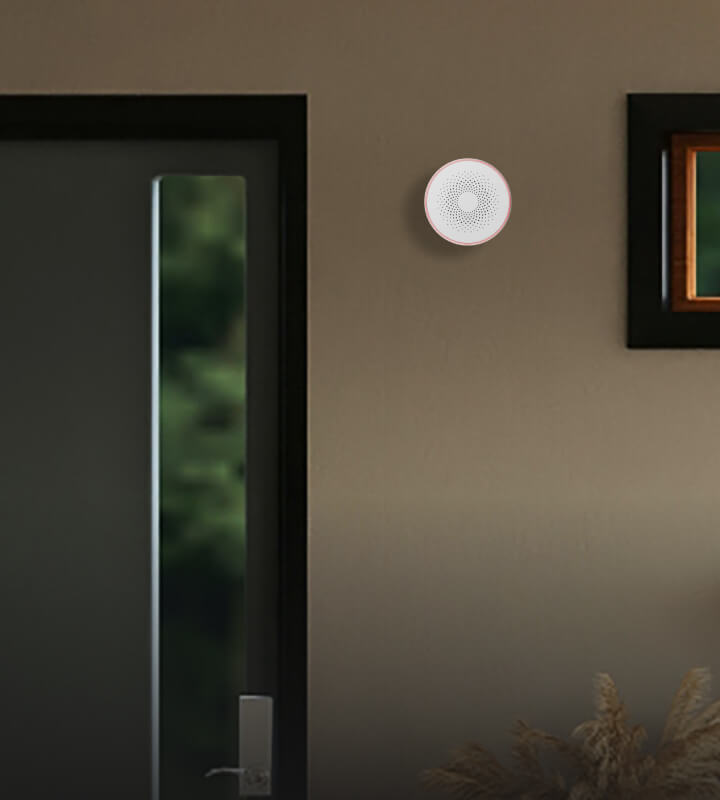

PROFESSIONAL WIRELESS INTRUSION ALARM
Wireless Intrusion Alarm Control Hub
A wireless intrusion alarm control hub for security projects that need a clear device, user and network planning path.
Need the selection criteria first? how to choose an alarm Hub.
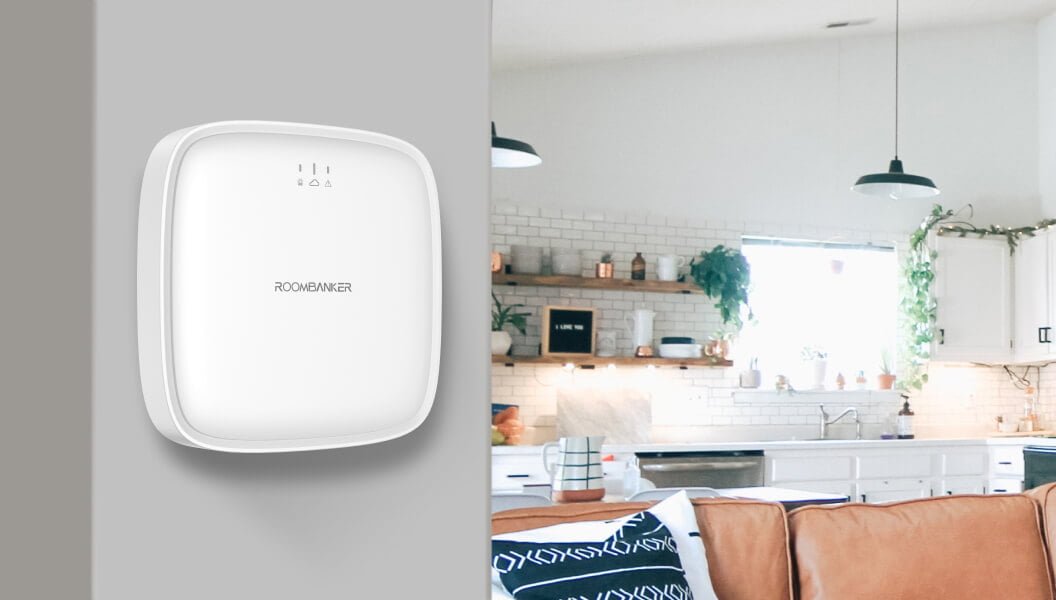

R2
Up to 64 connected peripherals
R2 PRO
Up to 128 connected peripherals
Project-led selection
Compare network paths before deployment
Multi
Wireless Peripherals
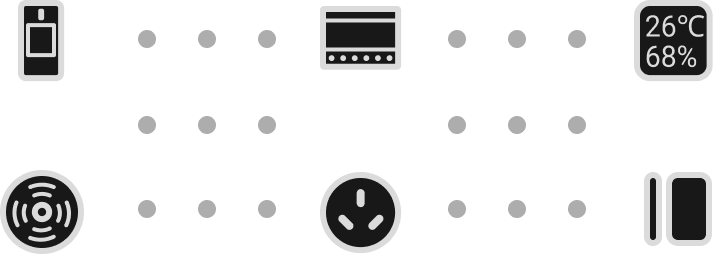
64
Rooms
Optional External Antenna
RBF
LTE
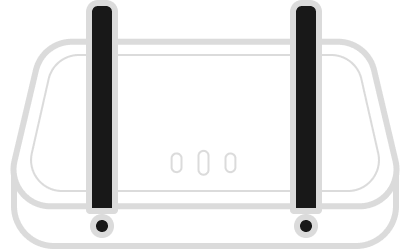
Optional RBF and LTE external antennas for R2 PRO. Sold separately.
Multi-scene Integration
by arming / disarming
by alarm
by schedule
More ...
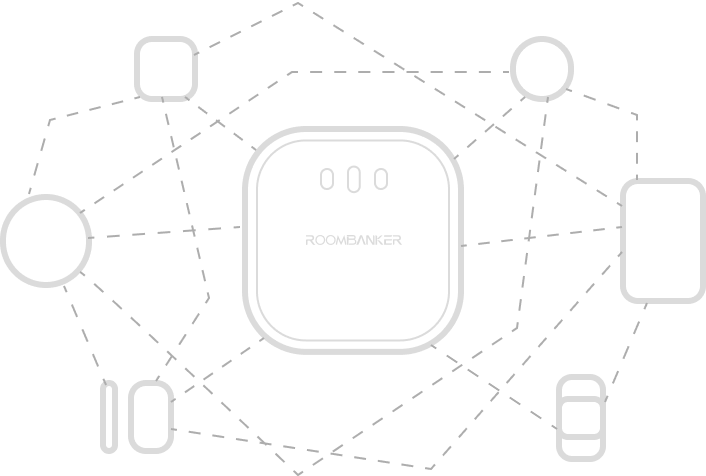
RBF
wireless technology
Long range, low power, high security
Easy to Setup
Mobile App
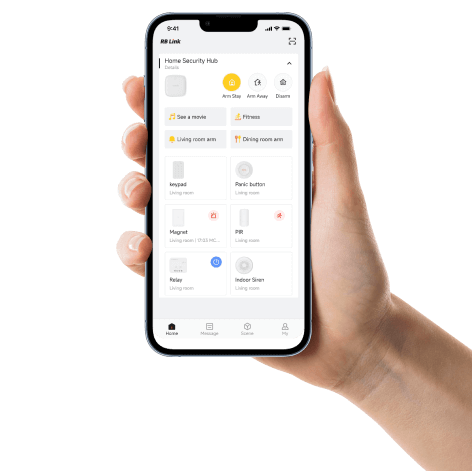
Access and Control with RB Link, Anytime Anywhere
System role
Connect alarm devices with system control
Bring compatible alarm devices together through your Hub and manage your security system with RB Link. For ARC reporting, confirm the supported Hub, firmware and integration requirements for your project.
Alarm devices
Plan the devices and their installed locations.
Smart Hub
Bring device, user and network planning together.
Project paths
Prepare local alarm, RB Link and ARC paths as required.
ARC reporting scope, protocol, software version and joint testing requirements should be confirmed for each project. Plan an ARC integration.

Devices and users
Connect your devices. Bring your users together.
Connect compatible security devices, add administrators and users, and control your system remotely with RB Link.
01 / CONNECTED DEVICES
Your security devices, connected
Connect compatible sensors and peripherals to one Hub, with support for up to 64 devices on R2 or 128 on R2 PRO.
02 / USER ROLES
Room for your team or household
Both models support 1 Super Admin, 4 Admins, 32 App Users and 32 Local Users.
03 / APP CONTROL
Stay connected with RB Link
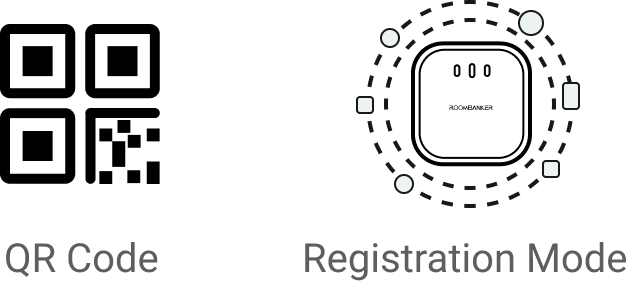
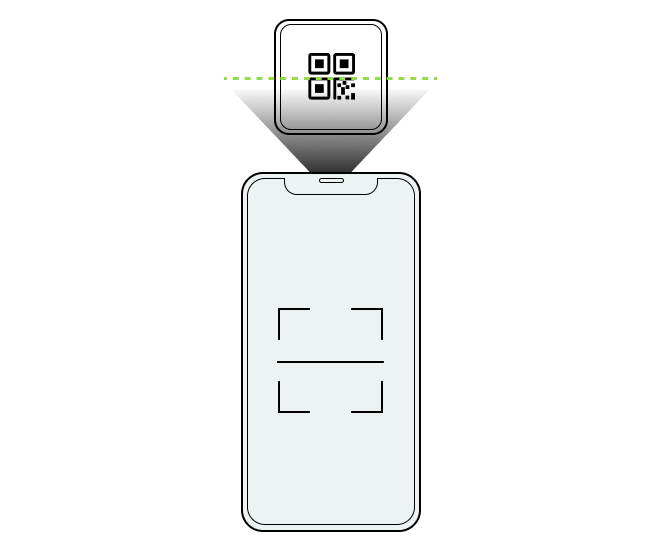
Add your Hub to RB Link by scanning its QR code, then use the app for remote control once the Hub is online.
Explore the difference between Arm Stay and Arm Away to understand the two arming modes.
Wireless communication
Wireless alarm devices, connected through RBF
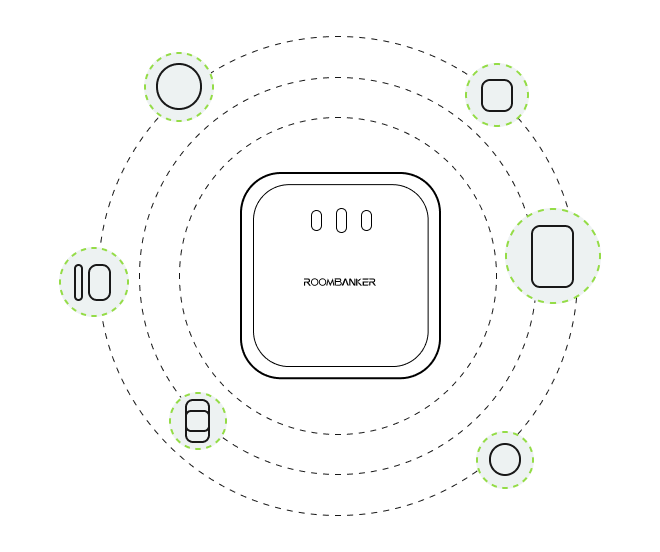
Connect compatible security sensors, sirens and keypads to your Roombanker Hub through RBF wireless technology. Manage your system remotely with the RB Link app.
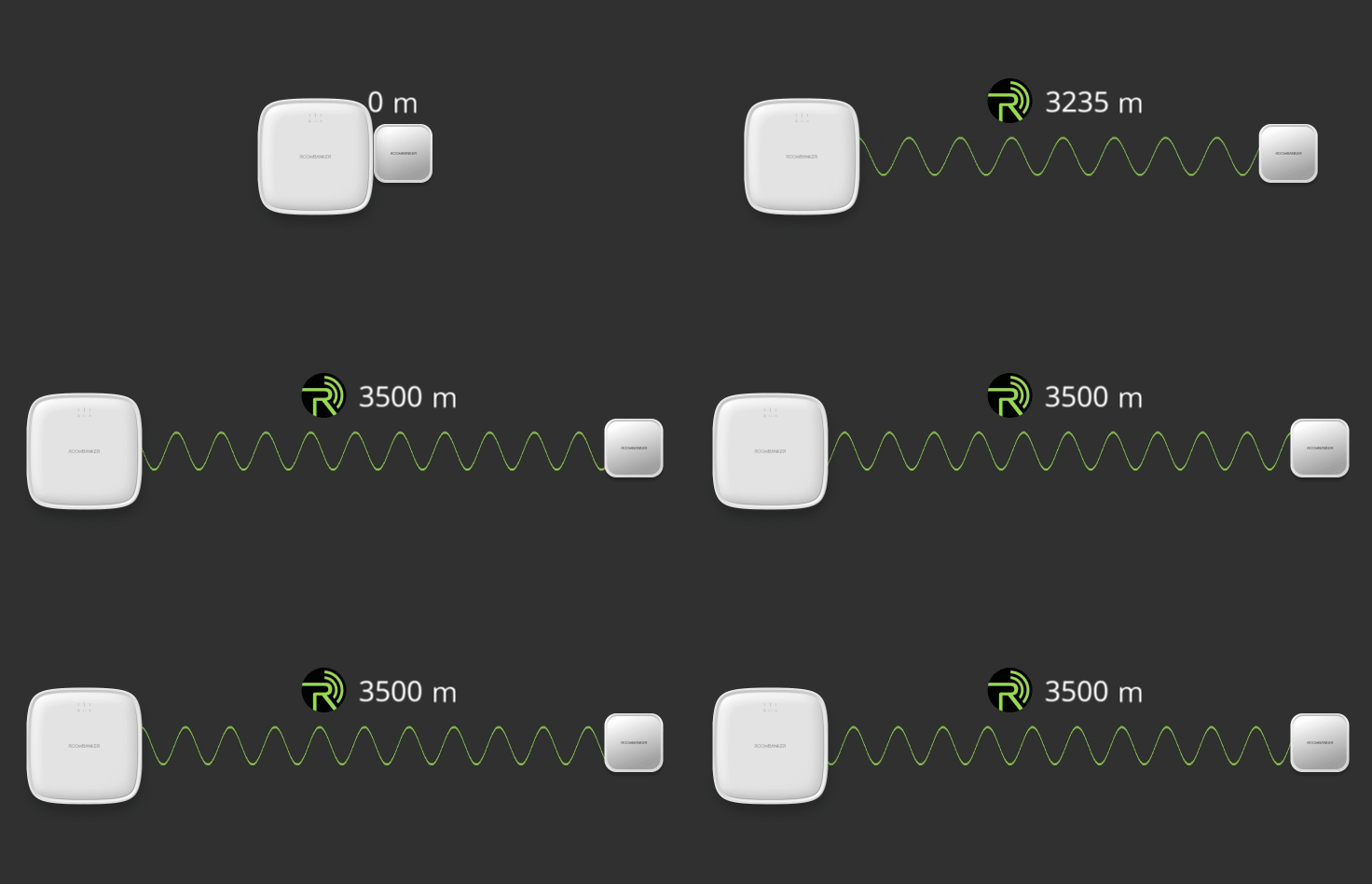
Ultra-long Communication Range
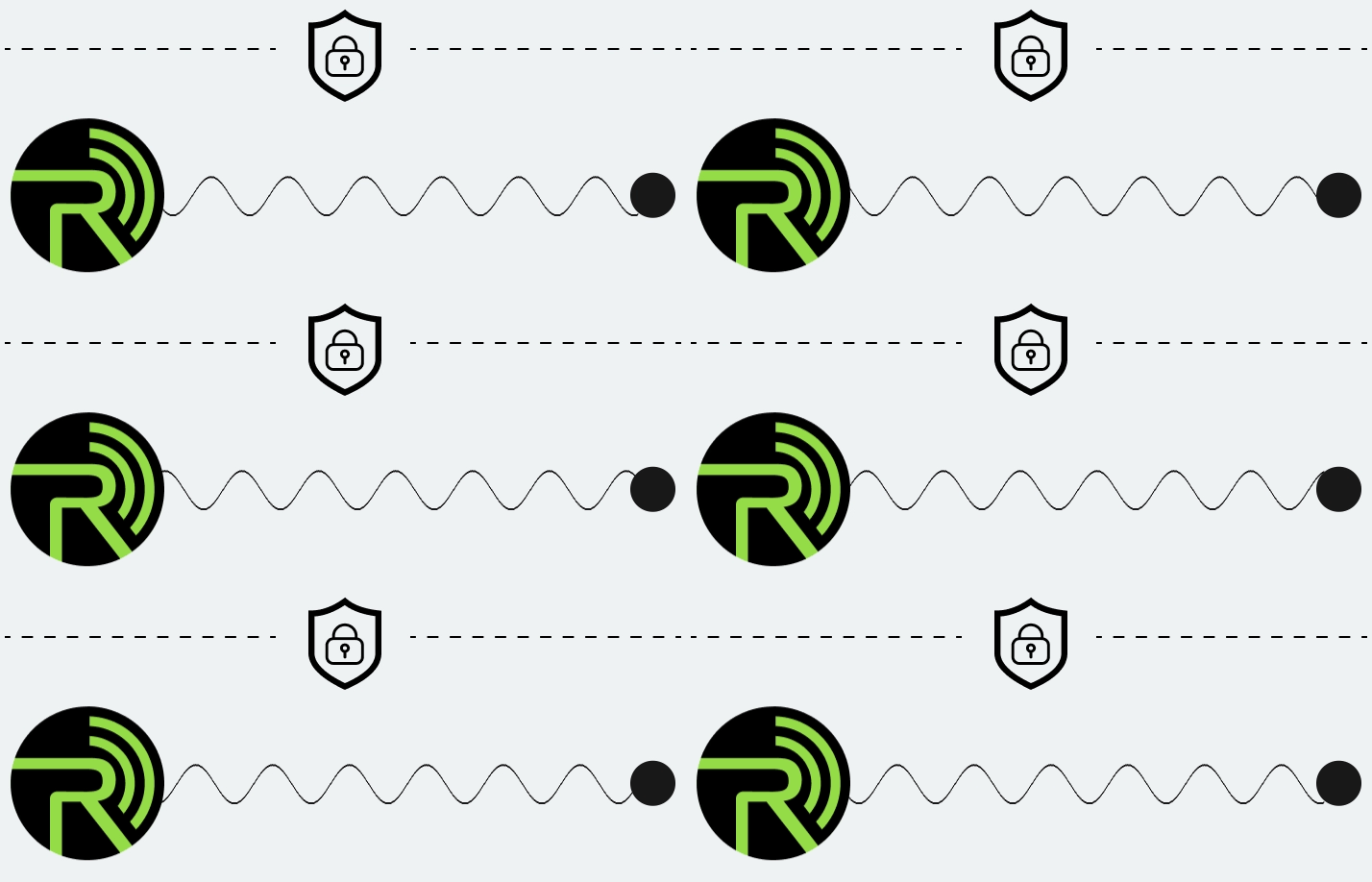
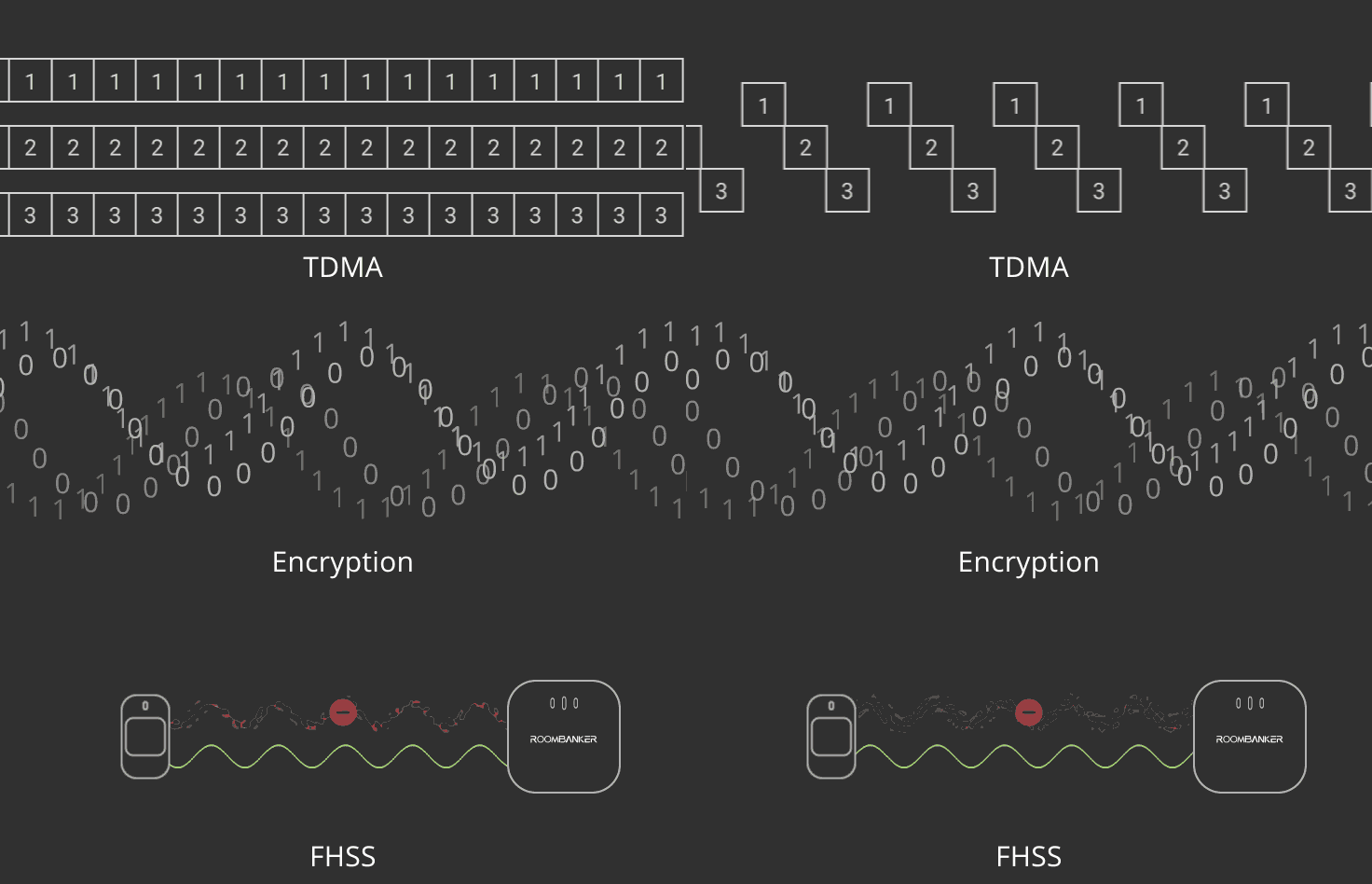
Safer and Reliable Data Transmission
FHSS | TDMA | AES-CCM+ Encryption
Network options and battery backup
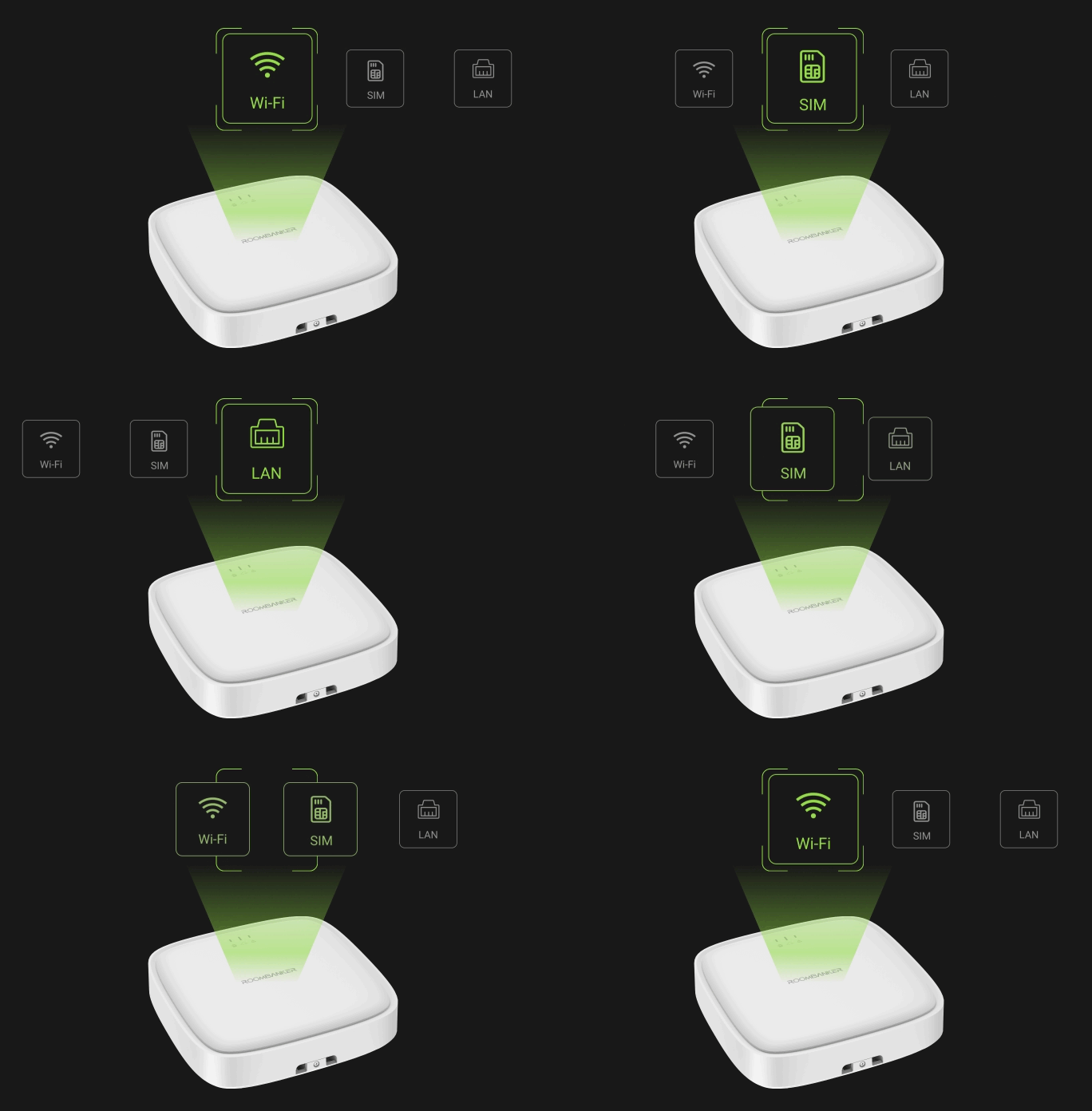
R2 connects via Ethernet or Wi-Fi. R2 PRO adds a 4G SIM connection. Both models include a rechargeable backup battery rated for up to 8 hours of backup operation.
Versatile Communication Options
R2 PRO supports Ethernet, Wi-Fi and cellular connectivity, with backup between connection paths.
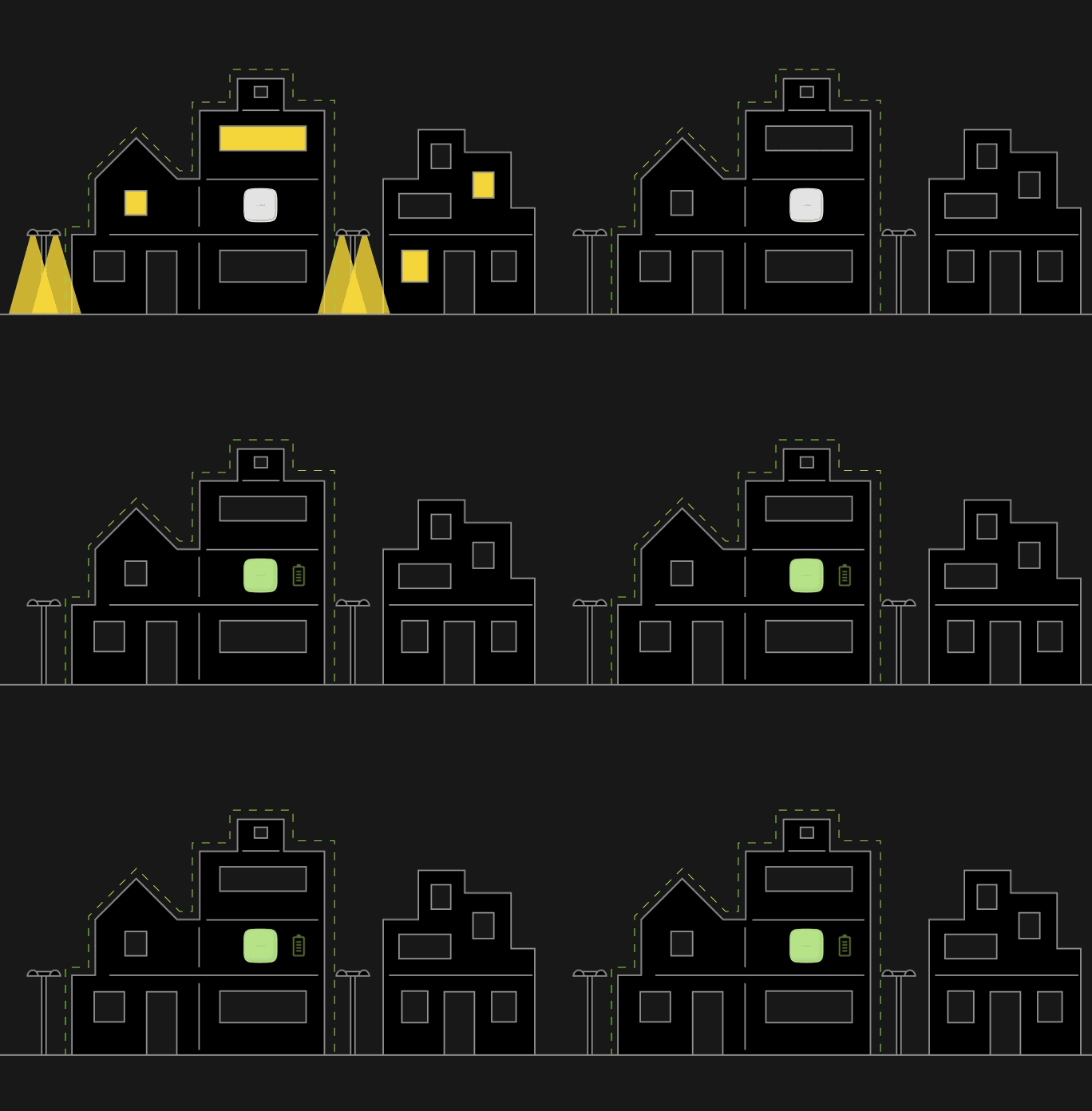
Reliable Lithium Battery Backup
The built-in rechargeable battery provides up to 8 hours of backup power.
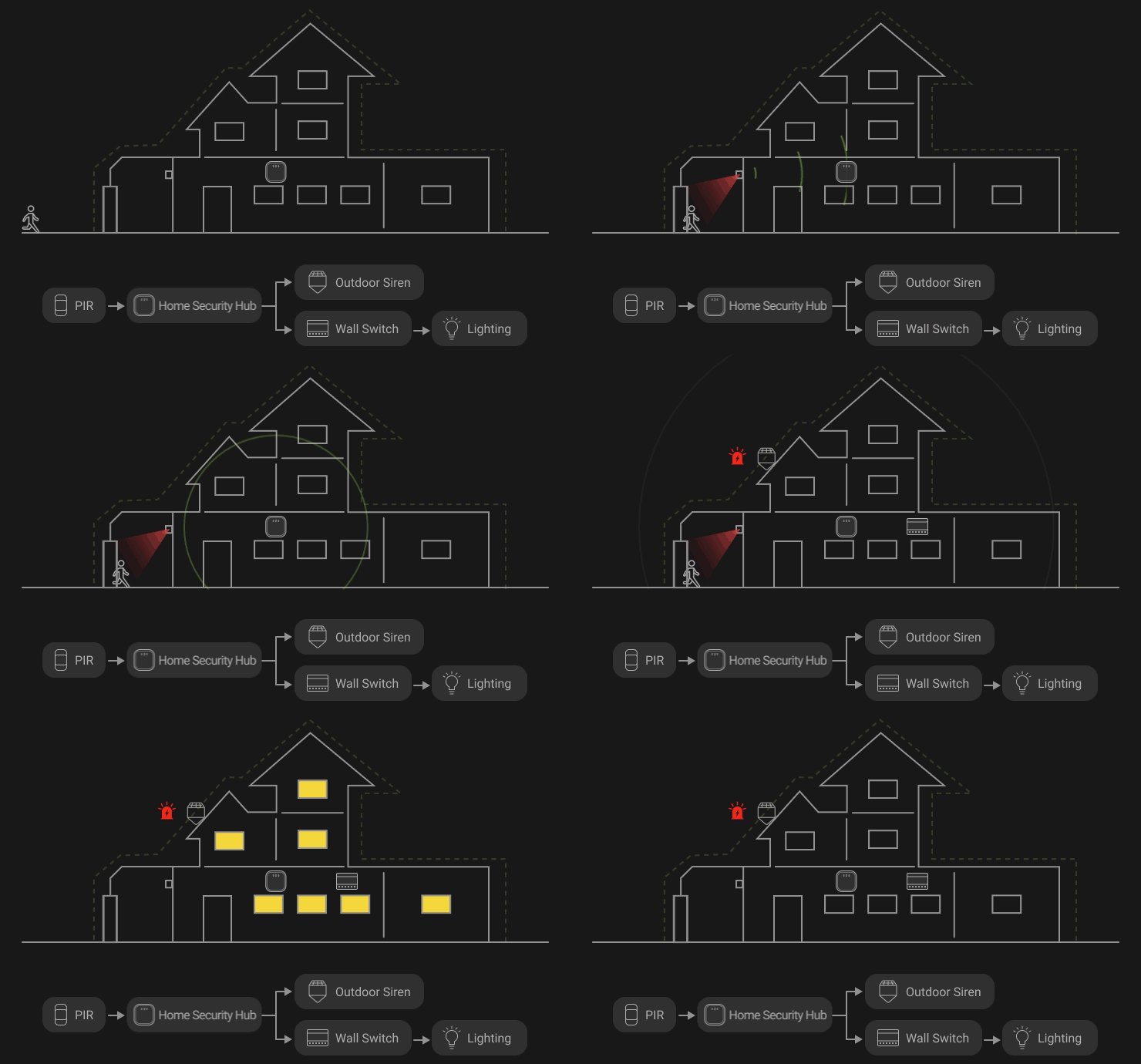
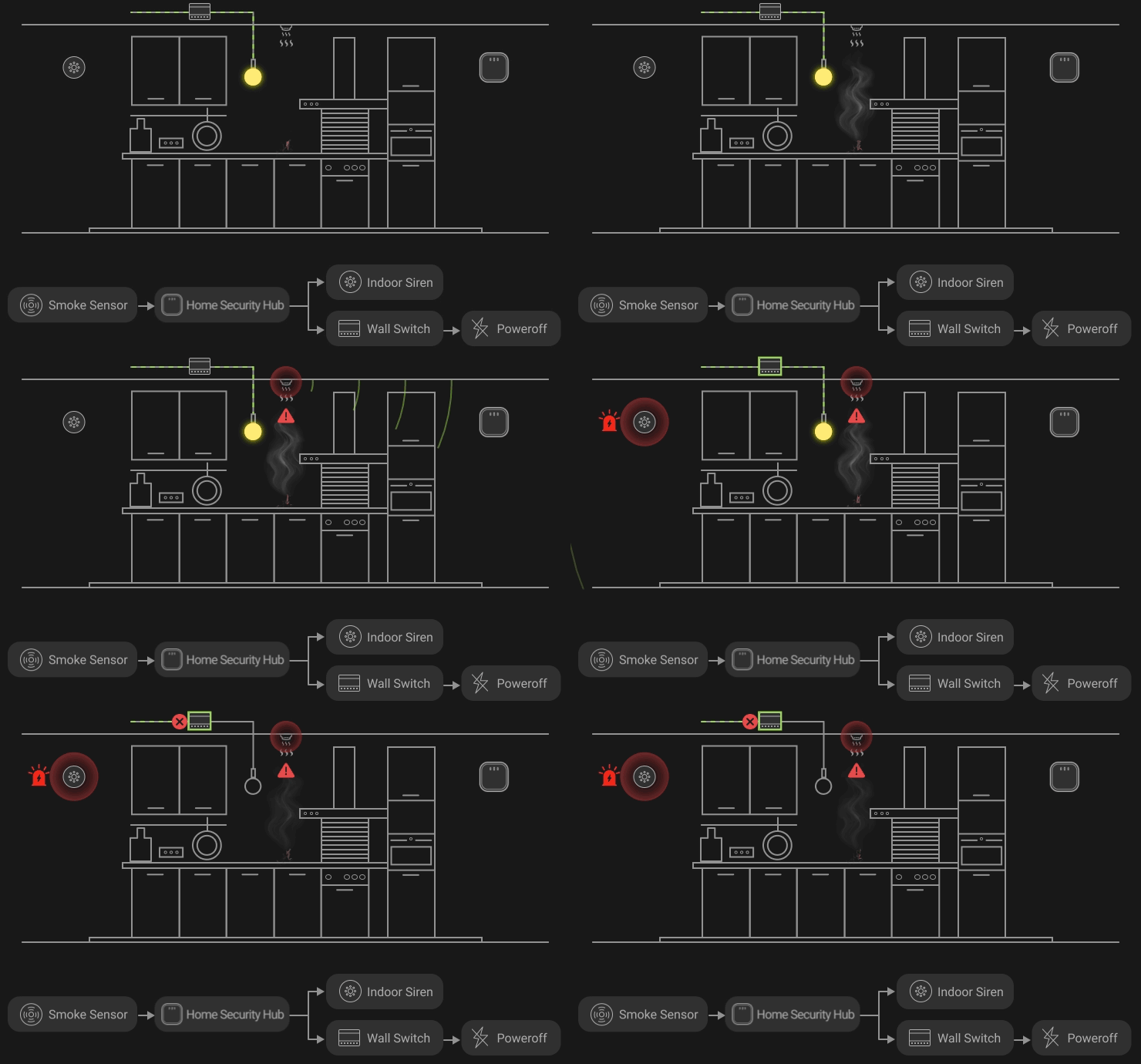
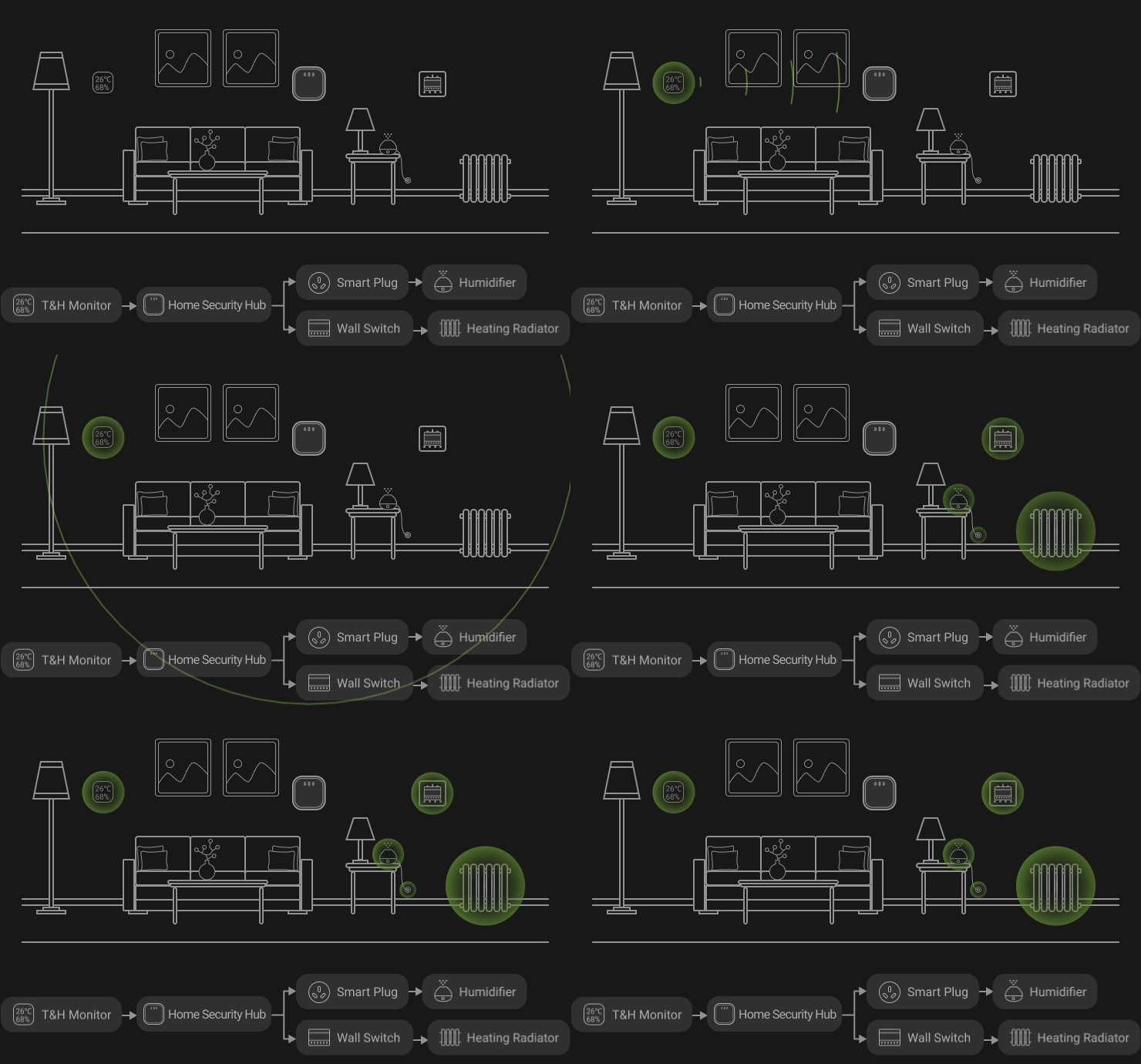
Custom scenes for alarm responses and schedules
Create up to 64 custom scenes, including responses to alarms, schedules and changes in security mode.
Intrusion Detection
Fire Prevention
Comfort
Intrusion Detection
Fire Prevention
Comfort
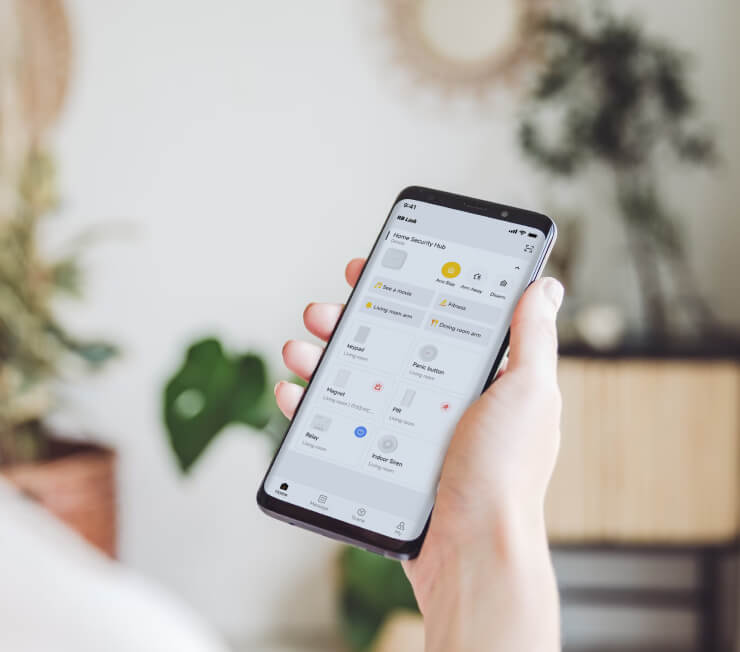
Manage your security system with RB Link
Control your security system remotely and receive alarm notifications through RB Link. Both R2 and R2 PRO support Super Admin, Admin, App User and Local User accounts.
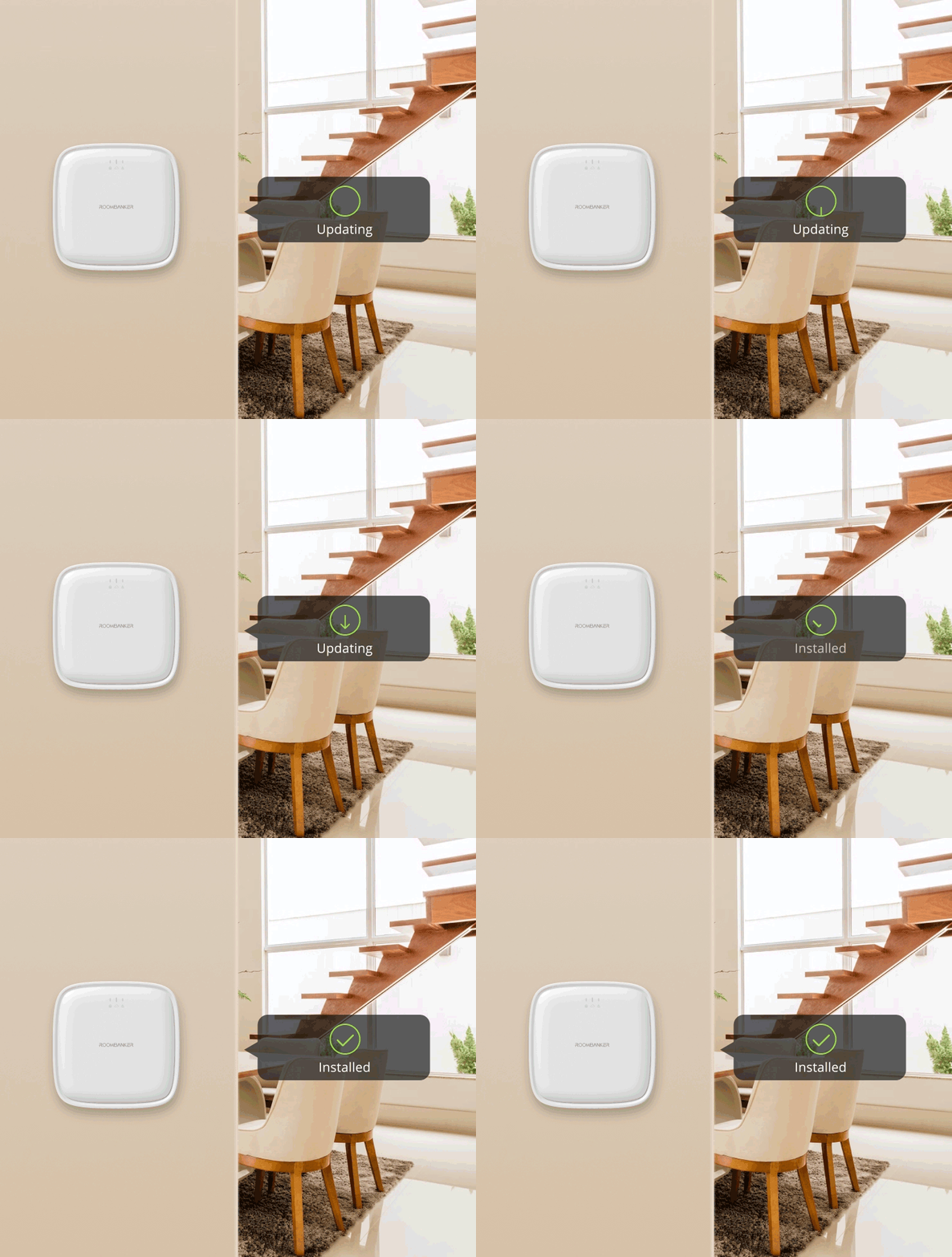
Firmware updates through the app
Keep your Hub firmware up to date with OTA updates through the app.
Compare R2 and R2 PRO
| Security Hub R2 | Security Hub R2 PRO4G | |
|---|---|---|
| Wireless Protocol | ||
| RBF | 868MHz / 915MHz for option | 868MHz / 915MHz for option |
| Bluetooth 5.2 |

|
|
| Capacity | ||
| Wireless IoT Peripherals | 64 | 128 |
| Room | 64 | 64 |
| User |
1 x Super Admin 4 x Admin 32 x Regular User 32 x Local User |
1 x Super Admin 4 x Admin 32 x Regular User 32 x Local User |
| Communication Method | ||
| Ethernet | 10/100 Mbps | 10/100 Mbps |
| Wi-Fi | 2.4GHz | 2.4GHz |
| SIM Card |

| 4G |
| Alarm Notification Method | ||
| App |
|
|
| SMS |
|
|
| Phone Call |
|
|
| Back-up Battery | ||
| Battery Type | 2,500 mAH Lithium Battery | 2,500 mAH Lithium Battery |
| Backup Duration | Up to 8 hours | Up to 8 hours |
Guided Hub Setup
Hassle-Free Hub Setup with Beginner-Friendly Guides
Power on your Hub, add it to RB Link by scanning its QR code, and configure a supported network connection. Follow the setup guide for your model.
Add your Hub to RB Link
1Scanning
2Installation
3Setting
1Scanning
Scan QR Code
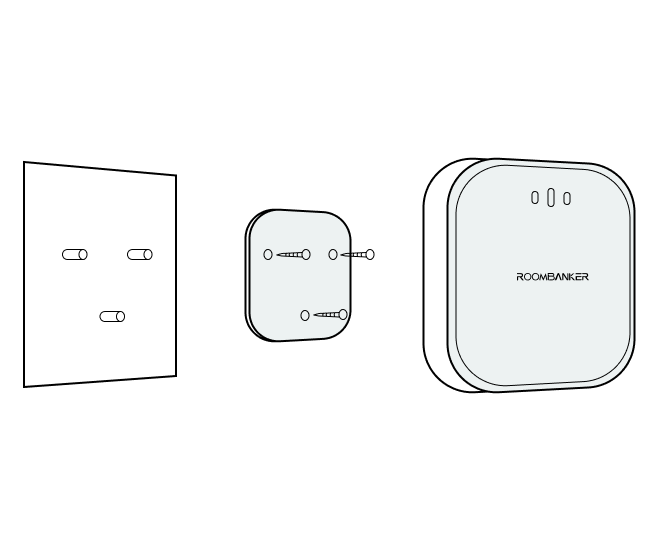
2Installation
Power On and then Install
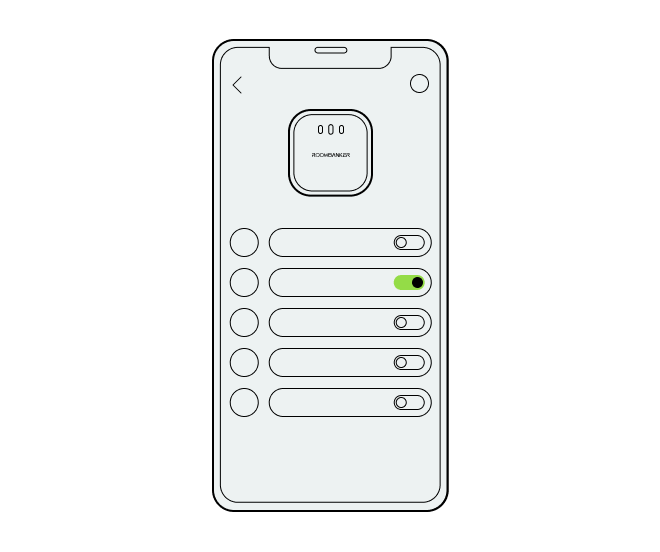
3Setting
Set in App with visual Wizard
Add Peripherals
Enrollment Method
Scanning
Enrollment Method
Enrollment Method
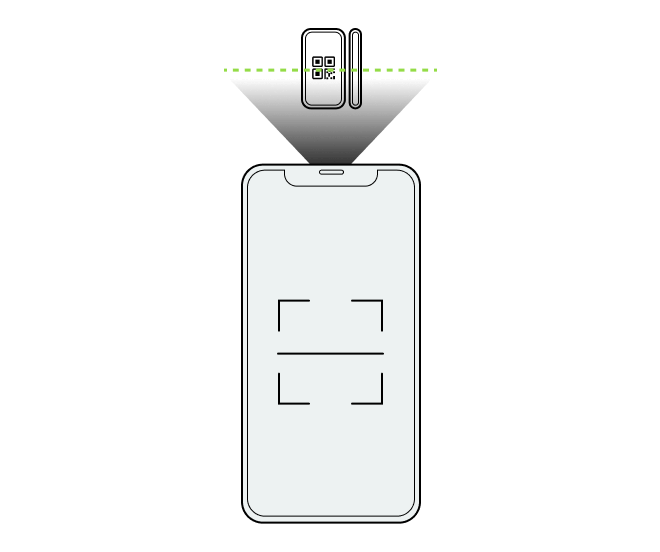
Scanning
Scan QR Code
Technical resources
Wireless Intrusion Alarm Hub Resources
Review Smart Hub technical specifications, Quick Start Guides, RBF wireless references, RB Link setup and ARC integration resources to evaluate the right control hub for your intrusion alarm project.
R2 · Select & Set Up
Check R2 specifications, follow the Quick Start Guide, and watch the Hub setup video. Use model-specific instructions for your installation.
R2 PRO · Select & Set Up
Check R2 PRO specifications, follow the Quick Start Guide, and watch the Hub setup video. Use model-specific instructions for your installation.
Wireless · Plan & Test
Explore RBF technology, plan site checks with the survey guide, and watch indoor and outdoor wireless range tests for practical context.
System · Manage & Integrate
Explore RB Link management, review ARC integration requirements, and learn the control panel’s role. Choose the reference that matches your project.
Technical resources
Wireless Intrusion Alarm Hub: Selection and Setup
How do I choose between the R2 and R2 PRO security Hubs?
R2 supports up to 64 connected peripherals with Wi-Fi and Ethernet. R2 PRO supports up to 128 and adds a 4G SIM connection. Compare device count and site networks first, then check the regional configuration in the model specifications and Quick Start Guides.
Can the security Hub connect without an Ethernet cable?
Yes. Both models support Wi-Fi, while R2 PRO also supports cellular connectivity. Choose the connection paths available at the site; for cellular use, confirm the regional network and SIM requirements. Multiple connection options do not by themselves guarantee uninterrupted reporting.
Does the security Hub support 2.4 GHz or 5 GHz Wi-Fi?
R2 and R2 PRO use 2.4 GHz Wi-Fi (802.11 b/g/n), not 5 GHz Wi-Fi. Make a 2.4 GHz network available when preparing the site for Wi-Fi setup.
How do I add the security Hub to RB Link?
Both Quick Start Guides describe adding the Hub by scanning its QR code in RB Link, then configuring a supported network connection. Use the R2 Quick Start Guide or R2 PRO Quick Start Guide for the installation steps.
What should I check if the security Hub cannot be added?
Check that the Hub is powered and follow the model-specific network setup instructions. Compare its indicator state with the Quick Start Guide. If setup still fails, contact Roombanker with the model, connection method and error shown in RB Link.
What should I check if R2 PRO cannot connect using a SIM card?
The R2 PRO guide advises disabling the SIM PIN using a phone before inserting the card and checking that the SIM account has sufficient balance. Follow the guide for installation and confirm the regional cellular requirements. These checks do not guarantee a connection.
What does a flashing red indicator mean?
The R2 and R2 PRO guides identify a flashing red indicator as an active alarm; a steady red indicator indicates a fault. Check the system status and follow the site's alarm response procedure before clearing an indication. Refer to the model guide for the full indicator legend.
What should be confirmed for an ARC reporting project?
Confirm the receiving centre, reporting protocol, supported Hub and firmware, and required configuration before commissioning. Local alarm activation, App visibility and ARC receipt are separate checks. Use the ARC integration resource to prepare the project discussion and joint testing.
Related products and solutions
Build the Complete Intrusion Protection Plan
Solution
Intrusion Detection
Professional security route

